Table of Contents Link to heading
- Productivity Drain: Manual Workflows and Accumulated Workarounds
- Maintenance Burden: Escalating Costs of Keeping Legacy Systems Running
- Security Exposure: Unpatched Vulnerabilities and Incompatible Tooling
- Scalability Ceiling: When Legacy Architecture Blocks Business Growth
- Why Businesses Delay Modernisation
- How to Build the Case for Modernisation
- Conclusion: The Cost of Staying Stagnant
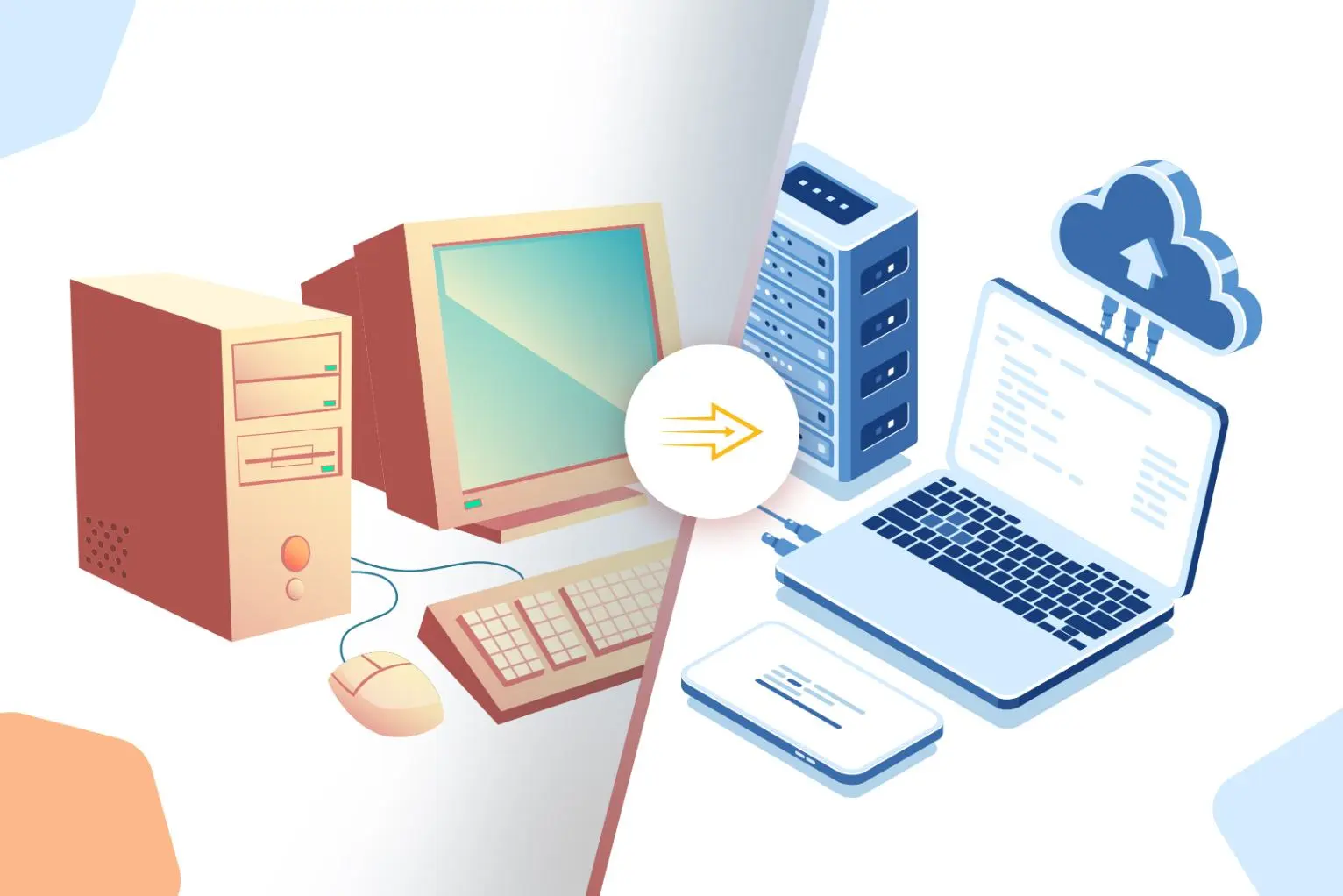
The argument for keeping legacy systems is almost always framed as cost avoidance: migration is expensive, risky, and disruptive. What rarely appears in that calculation is the ongoing cost of staying — the accumulated inefficiencies, security debt, and operational friction that compound quietly over time until they become impossible to ignore.
Productivity Drain: Manual Workflows and Accumulated Workarounds Link to heading
The Pattern Link to heading
Legacy systems force engineers and operators into manual workflows that modern tooling handles automatically. The cost isn’t just time — it’s the cognitive overhead of managing workarounds, the error rate introduced by repetitive manual steps, and the institutional knowledge required to operate systems that no longer have vendor support or updated documentation.
Real-World Example Link to heading
How It Was Fixed Link to heading
Migration to a modern cloud-based accounting platform cut manual data handling by 60% and eliminated the class of errors introduced by spreadsheet-to-spreadsheet transfers. The ROI was measurable within the first quarter.
Lesson Learned Link to heading
Maintenance Burden: Escalating Costs of Keeping Legacy Systems Running Link to heading
What Happens? Link to heading
Maintaining legacy infrastructure is expensive in ways that don’t always surface in IT budgets clearly. Vendor support contracts for end-of-life systems carry premium pricing. Specialists with skills in legacy platforms command higher consulting rates as that knowledge pool shrinks. Hardware running outdated software consumes more power and requires more physical space than equivalent modern deployments.
Real-World Example Link to heading
How It Was Fixed Link to heading
Migration to modern cloud infrastructure cut maintenance costs by 40% and improved system reliability. The freed budget was redirected toward capability uplift rather than keeping legacy platforms on life support.
Lesson Learned Link to heading
Security Exposure: Unpatched Vulnerabilities and Incompatible Tooling Link to heading
What Happens? Link to heading
Unpatched vulnerabilities are the most visible legacy security risk, but they’re not the only one. Legacy systems frequently cannot integrate with modern security tooling — SIEM platforms, EDR agents, zero-trust network controls — leaving gaps in visibility and enforcement that threat actors exploit. In many cases, the system’s architecture predates the threat model it’s now operating against.
Real-World Example Link to heading
How It Was Fixed Link to heading
Microsoft’s remediation focused on eliminating legacy credential stores, strengthening authentication across all accounts, and migrating affected systems to architectures with modern identity controls and conditional access policies.
Lesson Learned Link to heading
Scalability Ceiling: When Legacy Architecture Blocks Business Growth Link to heading
What Happens? Link to heading
Legacy architectures were designed for the scale and integration requirements of their time. As business needs grow — higher transaction volumes, new integration partners, cloud-native services, mobile access — legacy systems hit hard limits that can’t be overcome by throwing more hardware at the problem.
Real-World Example Link to heading
How It Was Fixed Link to heading
Migration to a cloud-based inventory platform with native API support eliminated the manual reconciliation layer, enabled real-time stock visibility across channels, and reduced order fulfilment errors significantly.
Lesson Learned Link to heading
Why Businesses Delay Modernisation Link to heading
The barriers to modernisation are real, not imagined:
- Upfront capital cost — Migration projects require budget approval that competes with operational priorities.
- Migration risk — Poorly planned migrations can introduce downtime, data loss, or regressions in functionality.
- Institutional knowledge dependencies — Legacy systems often have undocumented behaviours that only a few people understand, making migration scope unpredictable.
- Inertia — If the system is still running, there’s always a more pressing priority.
The problem with all of these objections is that they don’t disappear over time — they compound. The longer migration is deferred, the older the system gets, the fewer people understand it, and the higher the risk of the migration that eventually becomes unavoidable.
How to Build the Case for Modernisation Link to heading
Best Practices for Modernisation Link to heading
- Quantify the status quo — Build a cost model that captures not just maintenance spend but productivity overhead, security incident risk, and scalability constraints. Make the cost of staying visible.
- Prioritise security-driven migrations — Systems with known unpatched vulnerabilities or no current vendor support have a clear and defensible case for urgent migration.
- Automate before you migrate — Introduce automation around legacy systems before migrating them. This builds operational confidence, improves observability, and creates a foundation for the target state.
- Plan phased migrations — Full cutover migrations carry higher risk. Where possible, run legacy and modern systems in parallel during a transition period, with defined success criteria for each phase before proceeding.
- Invest in knowledge transfer — Document what the legacy system actually does, including undocumented behaviours, before migration. The institutional knowledge gap is often where migrations run into trouble.
Investing in Future-Proof Technology Link to heading
- Cloud-native platforms shift maintenance burden to the provider, provide elastic scaling, and integrate with modern security tooling out of the box.
- API-first architectures enable integration with future systems without requiring full migrations — a critical capability in environments where the technology landscape is still evolving.
- Automation and IaC reduce the operational overhead of managing infrastructure and make future migrations faster and lower-risk.
Conclusion: The Cost of Staying Stagnant Link to heading
Legacy systems are not neutral. They carry compounding technical debt — in security exposure, operational overhead, and strategic constraint — that grows with every year of deferred modernisation. The question is not whether the cost will be paid, but when and under what circumstances.